Conecta ChatGPT integration with Claude and apps what to choose and why for productivity
· based on the channel DataEdu
Conecta ChatGPT is a practical solution for integrating AI assistants like ChatGPT and Claude with the applications you already use, enhancing productivity through seamless automation. By leveraging Composio, users can connect these AI tools to platforms such as Google Drive, unlocking new workflows and capabilities. For those interested in expanding their data storytelling and automation skills, the DataEdu Storytelling Book offers valuable insights.
Understanding Composio Connectors for ChatGPT and Claude
Composio supports two main types of connectors: native and external. Native connectors are built-in integrations directly supported by Composio, enabling smooth communication with compatible apps. External connectors require additional authorization and setup but allow broader application connectivity. Using Composio, you can easily link ChatGPT or Claude with apps like Google Drive to automate tasks such as file management or data retrieval.
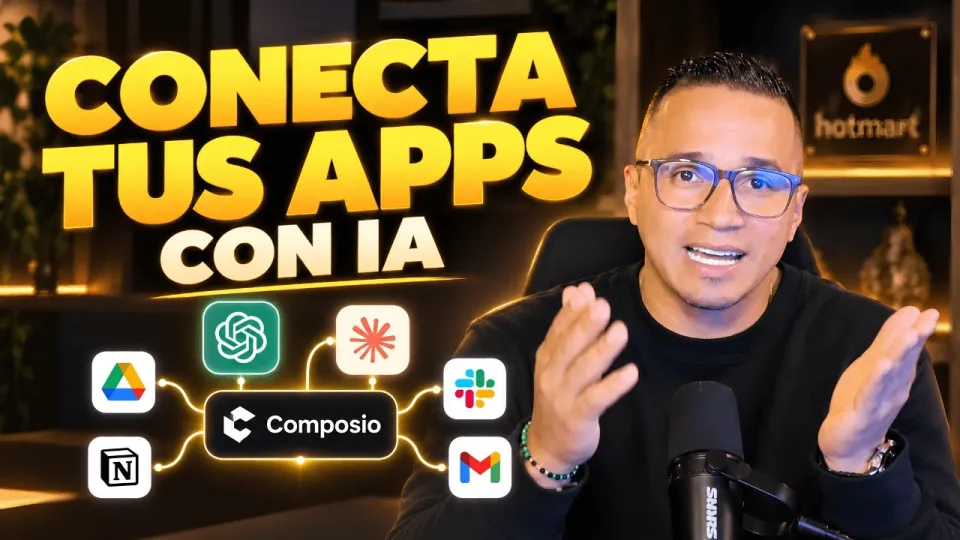
Video: Conecta ChatGPT, Claude y tus apps: así haces más con Composio
Setting Up Connections with Google Drive
Connecting ChatGPT or Claude with Google Drive via Composio involves authorizing your Google account, which grants specific permissions tailored to the actions you want to perform. These permissions might include reading, writing, or modifying files. Once authorized, you can explore available actions such as uploading files, searching documents, or organizing folders. This integration streamlines workflows by letting AI assistants handle repetitive or data-intensive tasks directly within your cloud storage.
Applying Integrations Beyond ChatGPT and Claude
Composio’s flexible architecture also supports other AI tools like Manus IA, expanding your options for intelligent automation. The key is to check which integrations are available for each assistant and understand the scope of permissions required. With these integrations, you can connect AI assistants to platforms you use daily, enhancing productivity whether for data analysis, content creation, or communication.
Addressing Security and Data Sensitivity Concerns
A common question is whether connecting Composio to semantic models in tools like Power BI could expose sensitive data. While Composio requires permissions, it operates within the scope you authorize, and it’s crucial to manage access carefully. Always review the permissions requested during account authorization and apply best practices for data security to safeguard sensitive information.
Tips for Maximizing Productivity with AI Integrations
- Identify repetitive tasks in your workflow that AI can automate.
- Use Composio to connect your preferred AI assistant with relevant apps.
- Regularly review and update permissions to maintain security.
- Explore advanced tutorials and resources like those from DataEdu to deepen your skills.
Useful Links
- DataEdu Storytelling Book – learn to transform dashboards into clear stories
- Excel DataEdu course for automating data analysis
- DAX advanced data analysis course
Итог
Conecta ChatGPT through Composio is a versatile method to integrate AI assistants like ChatGPT, Claude, and Manus IA with your existing applications, enhancing productivity by automating workflows and connecting data sources. Proper authorization and understanding of connector types ensure secure and effective use. For deeper learning and practical applications, the DataEdu channel and resources such as the Storytelling Book provide excellent guidance and support. Start exploring these integrations to unlock the full potential of AI in your daily tasks.
Key takeaways
- Composio enables native and external connectors for AI assistants
- Supports integration with ChatGPT, Claude, Manus, Google Drive
- Authorizing accounts controls permissions and actions available
- Boosts productivity by linking AI with commonly used applications
- DataEdu provides tutorials and advanced resources for AI integration
Questions & answers
Is it safe to connect Composio with AI models handling sensitive data?
Composio requires explicit permissions when connecting to AI models or apps. It's important to review these permissions carefully and limit access to only what is necessary to protect sensitive information.
What are native and external connectors in Composio?
Native connectors are built-in integrations supported directly by Composio for seamless connection. External connectors require additional setup and authorization but allow linking to a broader range of applications.
Can I connect AI assistants other than ChatGPT with Composio?
Yes, Composio supports multiple AI assistants including Claude and Manus IA, depending on the available integrations and permissions you grant.
What actions can AI assistants perform once connected to Google Drive?
Once authorized, AI assistants can perform actions like uploading files, searching documents, organizing folders, and other file management tasks to streamline your workflow.
Source: Conecta ChatGPT, Claude y tus apps: así haces más con Composio · Markdown version